


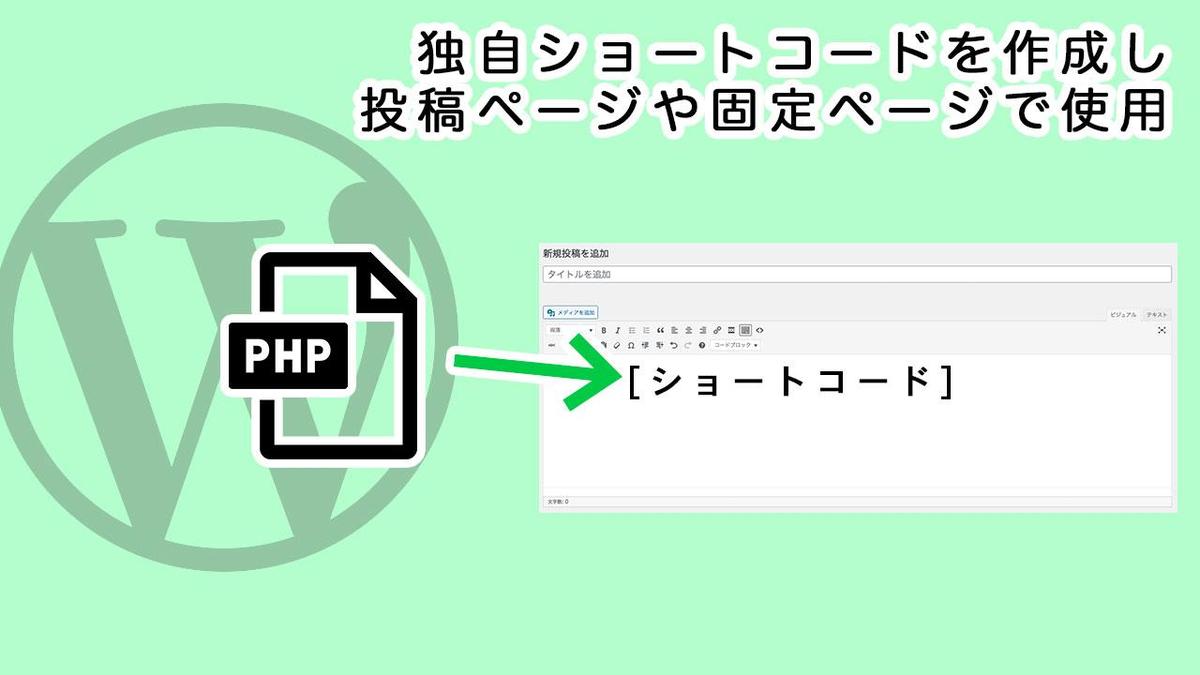
WordPressの投稿ページや固定ページでPHPをインクルードさせる方法です。
functions.php
function short_php($params = array()) {
  extract(shortcode_atts(array(
    'file' => 'default'
  ), $params));
  ob_start();
  include(get_theme_root() . '/' . get_template() . "/template-parts/shortcode/$file.php");
  return ob_get_clean();
}

add_shortcode('myphp', 'short_php');
例の場合だとテーマ内に「template-parts」のフォルダを作成し、さらにその中に「shortcode」フォルダを作りファイルを入れた場合になります。
./template-parts/shortcode/
6行目の”/template-parts/shortcode/$file.php”の部分を管理しやすい形に書き換えてください。
投稿ページや固定ページにファイルをインクルードさせるには、
[myphp file="○○"]このように記述してください。○○の部分にはファイル名を拡張子を入れずに記述してください。
ウィジェットでもショートコードを使用したい場合はこちらの記事をどうぞ! https://www.design.pon-poo.com/info/post-520/